
Teleprompter Screen Warp
Free mirror, flip, and keystone software for Windows. Your screen, warped in real time - entirely on the GPU.
Download FreeOne signed exe. No installer, no signup, no watermark.
The problem
Put a monitor on a teleprompter and everything on your screen reads backwards. Mount a projector behind a screen, and the image is reversed. Bounce a display off a mirror, and your slides are upside down.
Windows has no built-in way to mirror a monitor, and most mirroring apps are slow, eat your CPU, or give up the moment PowerPoint enters slideshow mode.
How it works
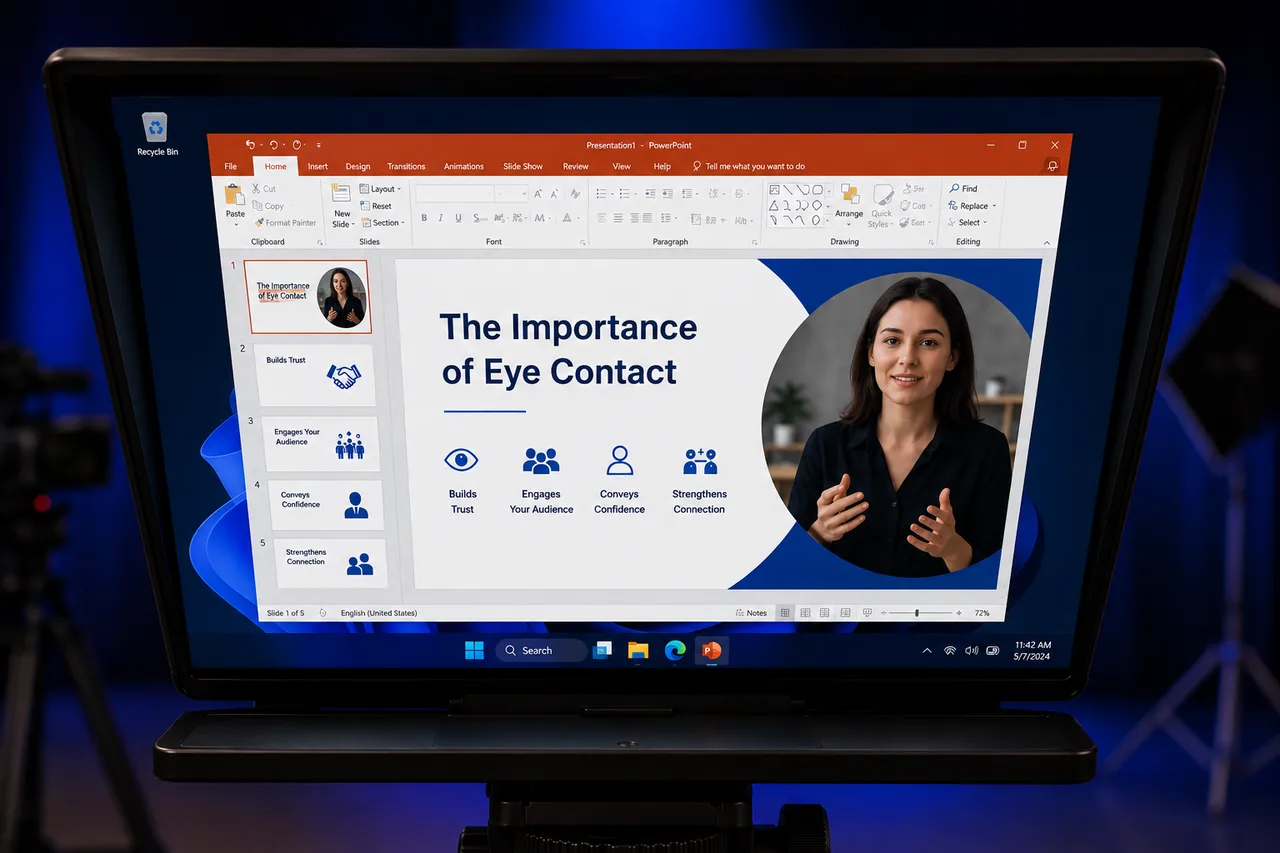
Teleprompter Screen Warp captures your chosen monitor and redraws it on that same monitor - mirrored, rotated, and keystone-corrected - as a transparent overlay that clicks pass straight through. Present in PowerPoint, scroll a script, play a video: whatever is on the screen is warped live.
The whole pipeline runs on your graphics card. Screen capture, perspective warp, and display never touch the CPU - 60 frames per second at 0% CPU usage. No added lag, no fan noise, no stolen resources while you record.
Not just teleprompters: a software projector
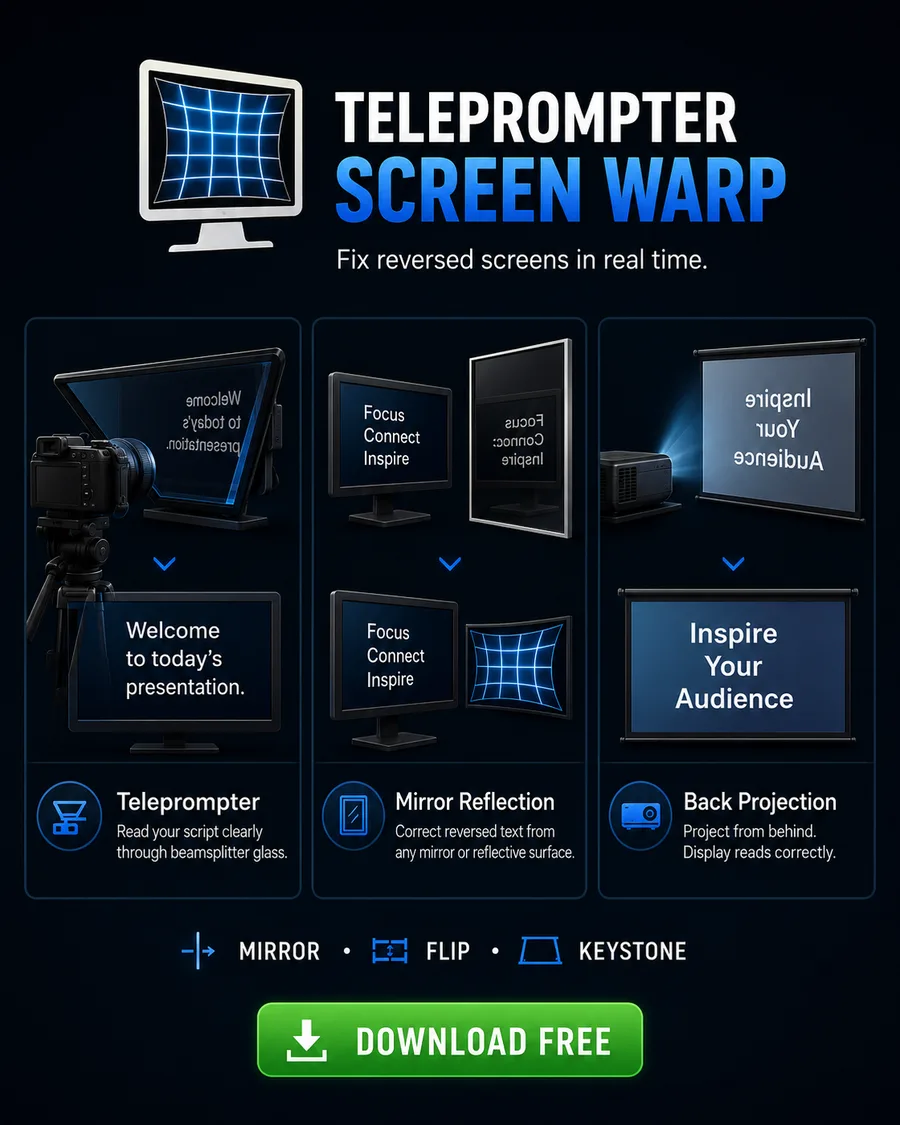
Anywhere an image travels through mirrors, glass, or odd angles, Teleprompter Screen Warp straightens it out:
- Teleprompters - mirror your script, slides, or video call so it reads correctly in the teleprompter glass.
- Rear projection / back projection - flip the image horizontally so it reads right from the audience side of the screen.
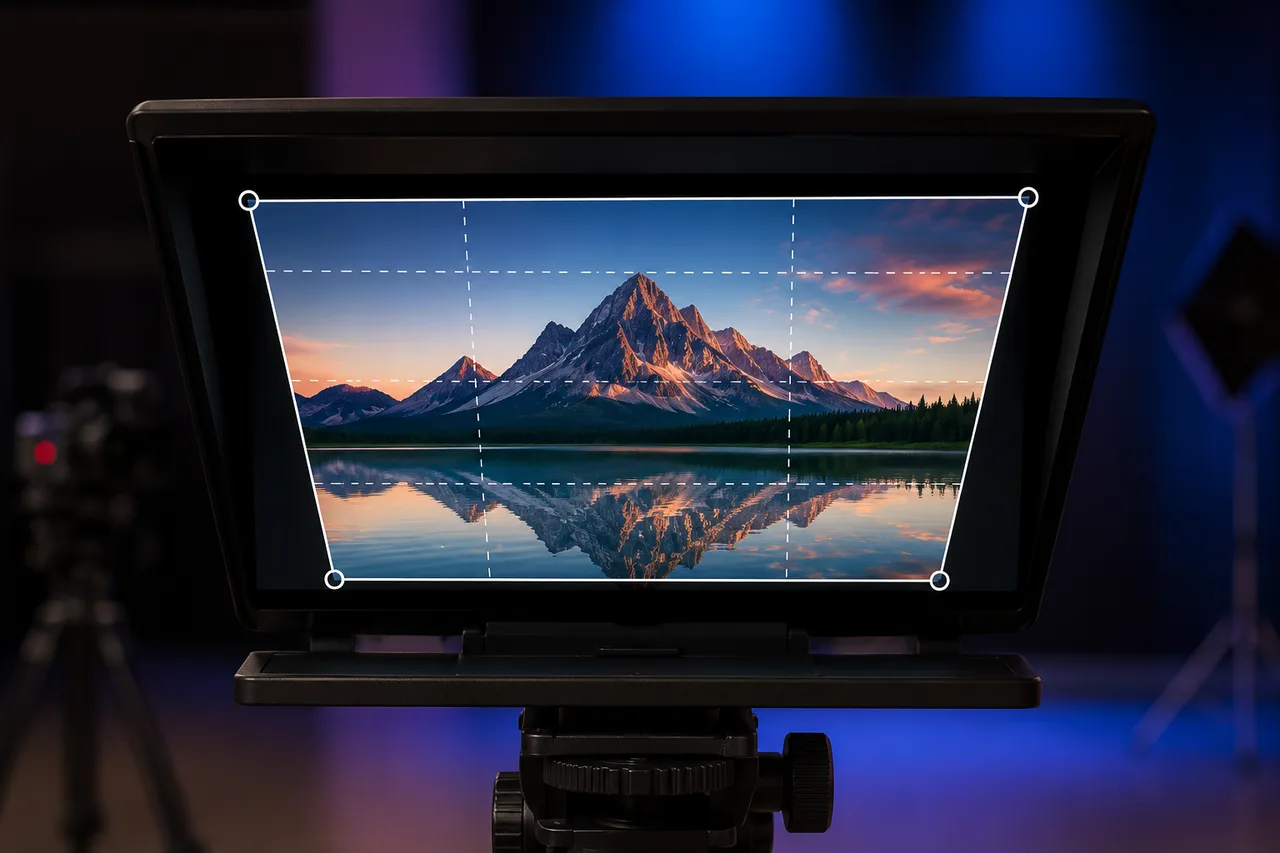
- Projector keystone - your projector is off-axis and its built-in keystone is missing or too coarse? Apply true perspective keystone correction (top/bottom and left/right) in software, plus fine rotation to level the image.
- Mirror rigs and periscope displays - any combination of flips and rotation, composable with keystone.
Instructions
- Download and run ScreenWarp2.exe. There's nothing to install - it starts in your system tray.
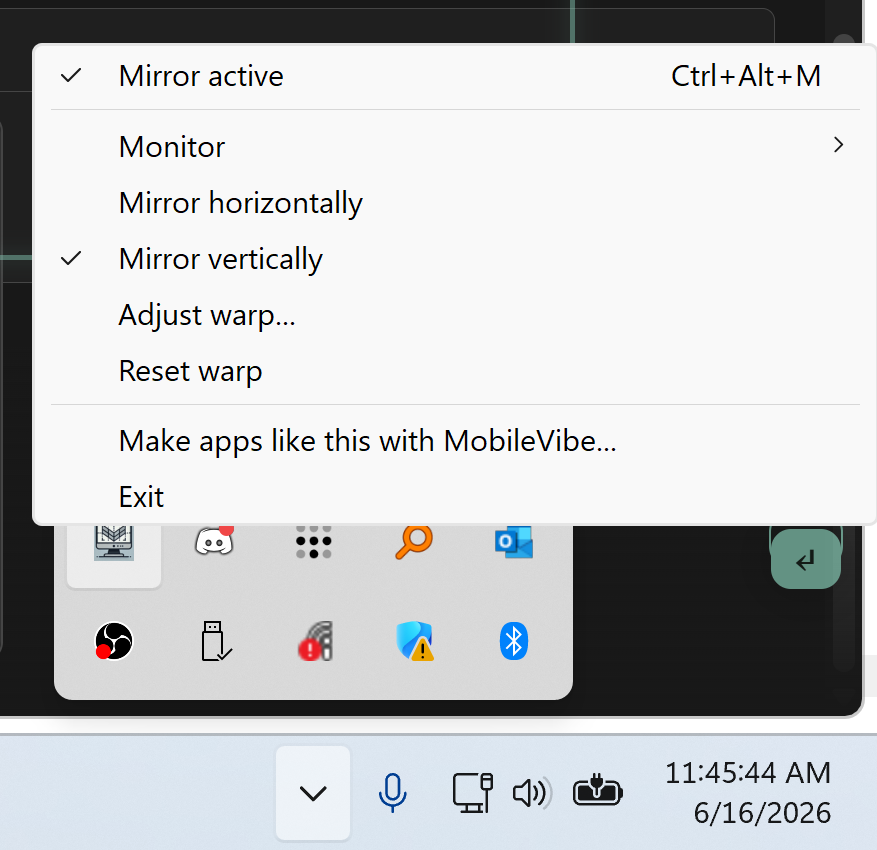
- Pick a monitor. Right-click the tray icon → Monitor. By default it auto-selects the topmost screen in your layout (where teleprompter monitors usually live).
- Set your flip. Toggle Mirror horizontally or Mirror vertically from the tray menu to match your glass or projection path.
- Dial in the warp. Open Adjust warp… for live sliders: keystone top/bottom, keystone left/right, and rotation. Changes apply instantly while you watch the target screen.
- Present. Run your PowerPoint slideshow, script, or video on that monitor. Clicks and keystrokes pass through the mirror, so slide advancing just works.
- Toggle anytime with Ctrl+Alt+M, from any app. Your calibration is saved automatically and restored on next launch.
System requirements
Windows 10 (2004+) or Windows 11 · any DirectX 11 capable GPU · a monitor, projector, or both. The download is a single signed exe under half a megabyte.
Frequently Asked Questions
Is Teleprompter Screen Warp free?
Yes - completely free. No trial, no watermark, no signup. Download the exe and run it.
Does it work with PowerPoint slideshows?
Yes. PowerPoint's fullscreen slideshow window aggressively fights for the top of the screen, and most mirroring tools lose that fight. Teleprompter Screen Warp keeps its mirror layer on top through Windows event hooks, so your slides stay flipped from the first slide to the last.
Will it slow down my PC?
No. The entire pipeline - screen capture, warp, and display - runs on the GPU with zero CPU pixel copies. It mirrors your whole monitor at 60fps with 0% CPU usage and only a few percent GPU.
Can I use it as a software projector keystone?
Yes. If your projector lacks keystone correction (or its built-in correction is too coarse), Teleprompter Screen Warp applies a true perspective keystone in software - both top/bottom and left/right - plus rotation, so you can square up the projected image without touching the projector.
Does it work for rear projection (back projection)?
Yes. Rear-projection setups need the image flipped horizontally so it reads correctly from the front of the screen. Toggle the horizontal mirror and the projected output is corrected in real time.
Does the mouse cursor get mirrored too?
Yes. Windows screen capture normally excludes the hardware cursor, so most tools either lose the cursor or show a confusing double cursor. Teleprompter Screen Warp composites the cursor on the GPU through the same warp as the screen, so you see exactly one cursor, moving the right way.
What versions of Windows are supported?
Windows 10 (version 2004 or later) and Windows 11, with any DirectX 11 capable GPU - which is essentially every PC made in the last decade. It is a single standalone exe with no installer and no dependencies.
Are my settings saved?
Yes. Monitor selection, mirror, keystone, and rotation settings are saved automatically and restored on the next launch, so your calibration survives reboots.
Stop reading backwards. It's free.
Download Free