Four AI Agents Couldn't Build My Teleprompter App. Fable 5 One-Shotted It.
The free GPU screen mirror I couldn't buy - and couldn't build.
I've been using a teleprompter since COVID. It's just an extra monitor extending my desktop, so I can put anything on it: Zoom windows, PowerPoint presentations, speaker notes. And for that entire time, all of it has been flipped horizontally. Slides backwards. Notes backwards. You get weirdly good at reading mirrored text. You shouldn't have to.
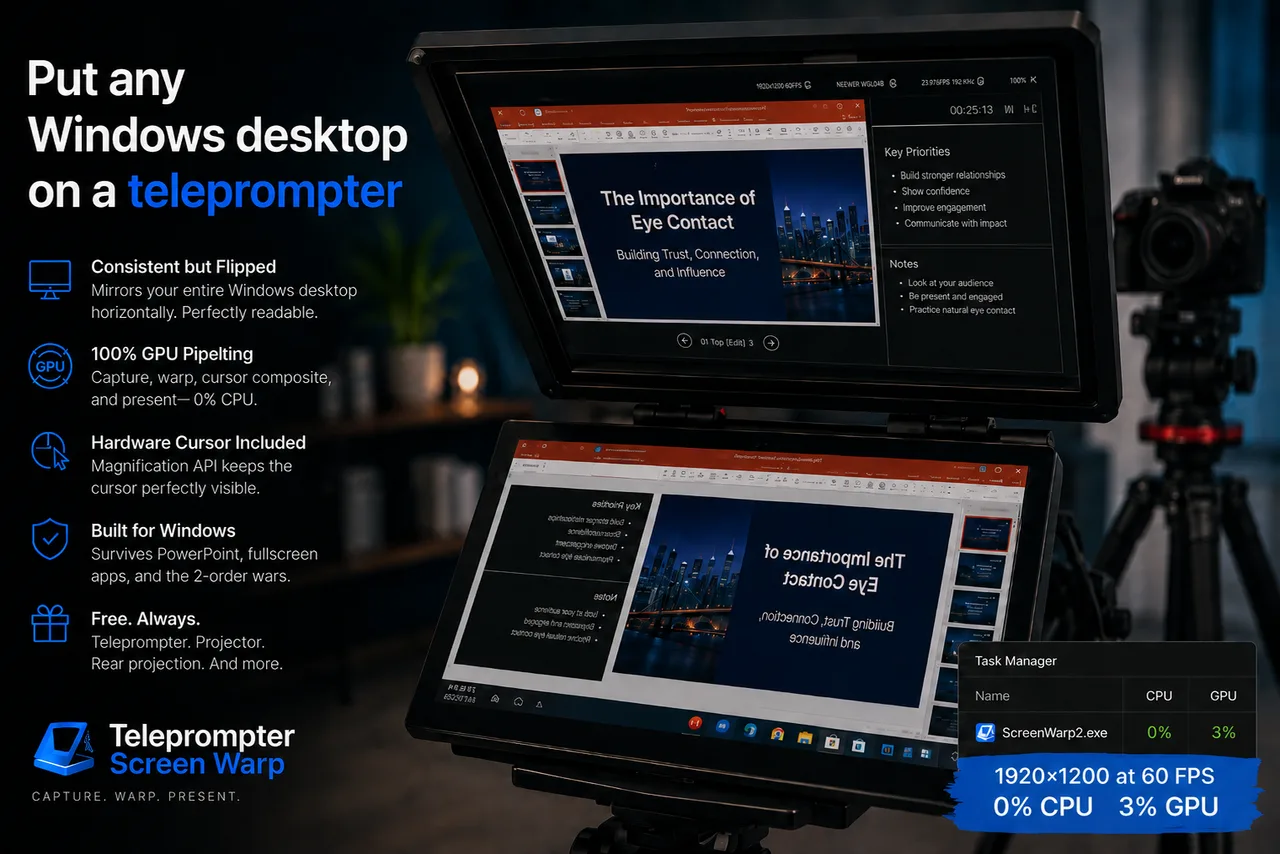
The fix sounds trivial: capture the screen, flip it, draw it back. Windows has no built-in way to do this. So I went looking for third-party software - and tried four different apps, including paid ones. Three of them didn't work on Windows 10/11 at all. The one that did was so slow it turned my slides into a slideshow of a slideshow.
Fine. I'm a graphics programmer. I'll build it myself - or rather, I'll have an AI coding agent build it. How hard could it be?
Four attempts. Four dead ends.
I tried to build this app four times over the past couple of years, with every new generation of coding agent. Every single one got stuck. Not "needs a few more prompts" stuck - architecturally, fundamentally stuck, in code that hid windows on timers, punched transparent holes in slides, and special-cased PowerPoint with Sleep() calls.
That's because this is a genuinely hard Windows problem wearing a trivial-looking disguise. To do it right, you need to get all of these working together:
- DXGI Desktop Duplication - capturing the screen straight off the GPU, and recovering gracefully every time fullscreen transitions invalidate your capture session
- Direct3D 11 - warping the captured frame with a real perspective homography (true keystone, not a fake shear) in a pixel shader
- DirectComposition - presenting into a layered, click-through overlay window where ordinary swapchains misbehave
- Win32 esoterica - topmost-band z-order wars,
WDA_EXCLUDEFROMCAPTUREso the mirror doesn't capture itself into an infinite feedback loop, WinEvent hooks, per-monitor DPI - The Magnification API - because the hardware mouse cursor floats above everything and isn't part of the captured desktop image at all
And two requirements made it harder. First, I wanted the whole pipeline on the GPU - low latency, and I'm not burning CPU cores to flip my own screen while I'm recording video on the same machine. Second, it had to survive PowerPoint, whose fullscreen slideshow window relentlessly fights its way on top of anything you put on that monitor.
Here's the embarrassing part: my team was responsible for DXGI when the library first launched at Microsoft DirectX. This is my home turf. And for four attempts across four agent generations, I couldn't get an AI to walk across it.
Then Fable 5 nailed it. One shot.
I pointed Fable 5 at my last failed attempt and said, more or less: understand what this was trying to do, then rebuild it from scratch however you think is right.
It diagnosed every failure in the old code on the first read - the settings file that corrupted itself, the color-key transparency that made black pixels punch holes in slides, the window-hiding hacks losing the z-order war. Then it rebuilt the whole thing. It even rendered itself a test pattern and screenshotted the monitor to verify its own warp math before handing it to me. It's pure awesomeness.

That screenshot is the requirement, met: a full monitor being captured, perspective-warped, and re-presented at 60 frames per second, and the CPU column reads zero. Capture, warp, cursor composite, and present - none of it ever touches system memory.
Get it - it's free
The app is Teleprompter Screen Warp, and it's completely free. It's not just for teleprompters either: it's a software projector - horizontal/vertical flip for rear projection, true keystone correction and rotation for projectors mounted at odd angles, all composable, all live.
After years of reading my own slides backwards, the thing I couldn't buy and couldn't build now sits in my system tray, using 0% of my CPU.
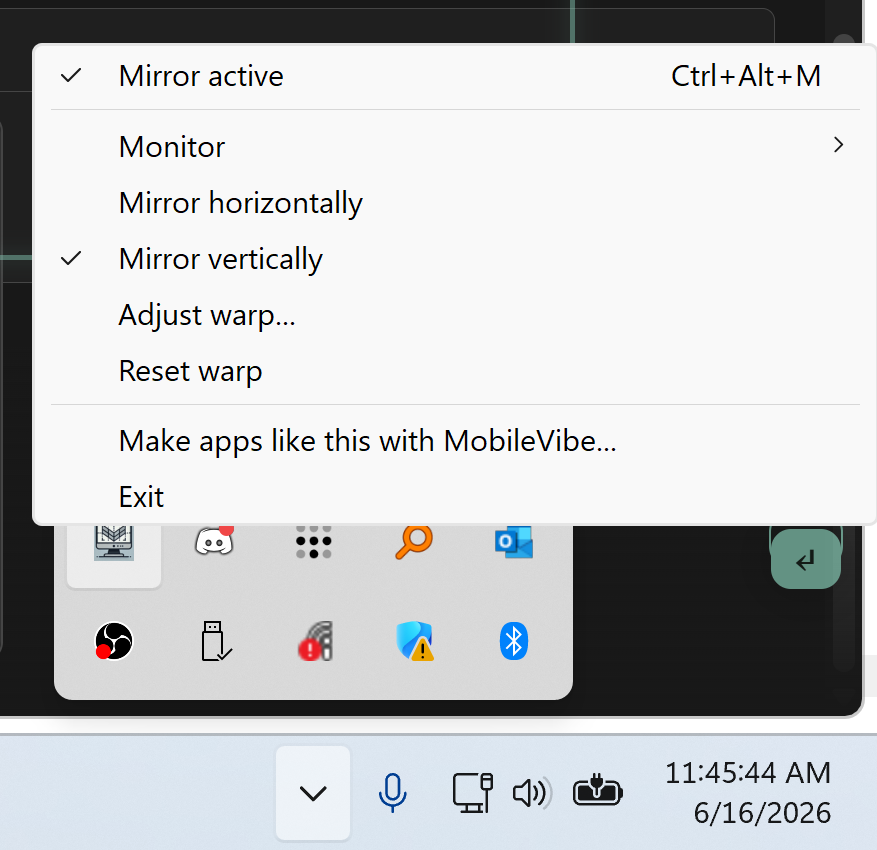
Built with MobileVibe - the same way we build everything at Brainpowertools. If you've got an app that's been stuck in your head (or stuck in four failed repos), that's where to start.